settldEXPENSE SPLITTER
Loading…

Who owes what?

How Settld works

  1. Step 1

    Start here

    1. Sign in with Google and pick a username.
    2. Optional: add your UPI ID on Profile.
    3. Create a group or add a friend.
    4. Add an expense, then settle up when you pay back.

    Settld works in your browser. To install it, use Add to Home Screen. You need a connection to see or change balances.

  2. Step 2

    Groups and friends

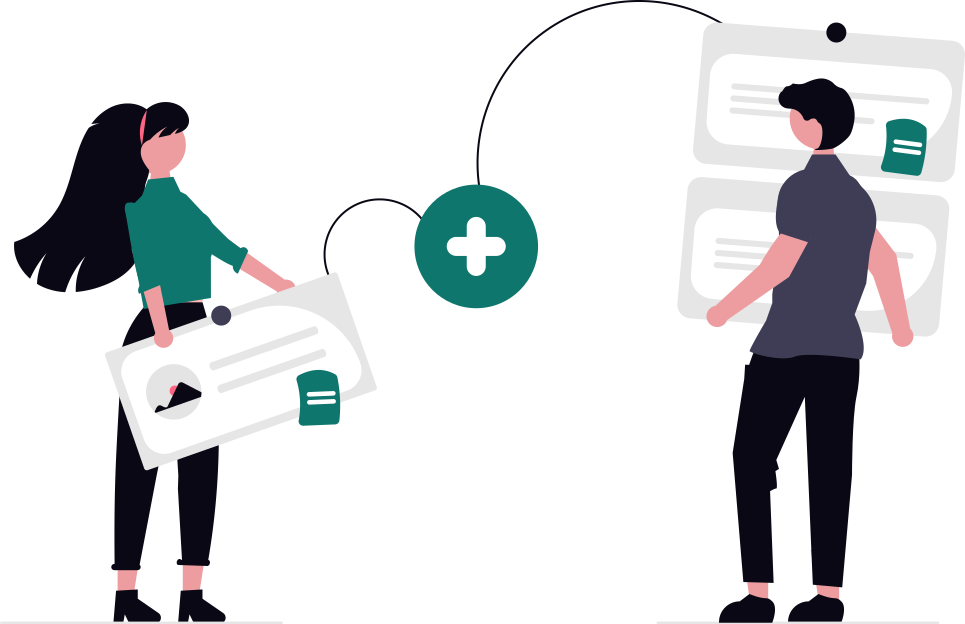
    Groups are for shared costs like a trip or a flat, in INR. Invite people with the link in group settings.

    Friends are for one-to-one expenses. Add one with their account email.

  3. Step 3

    Adding and splitting

    Enter the amount, say who paid, choose who shares it, then pick a split:

    • Equal or Custom amounts
    • Percentages or Shares
    • Adjustment on top of an equal split

    ₹900 dinner for three, split equally: ₹300 each.

  4. Step 4

    Settling up with UPI

    Choose Use suggestion, then Review payment and open your UPI app to pay.

    • Settld never moves money itself.
    • Record the payment afterwards so the balance drops.
    • Partial payments and credits are fine.

    Check the recipient, UPI ID and amount before paying.

  5. Step 5

    Transferring a balance

    Transfer moves a balance to another place you share with someone, such as from a group to your friend page.

    • No money changes hands.
    • Review, then slide to confirm.